Connect Claude to your sales tools 🪄
A simple guide. No coding required. 🤓
What You Need Before Starting
Claude Desktop
Installed on your computer
Admin Access
To HubSpot, Slack, etc.
10 Minutes
That's all it takes
A Coffee
Optional but recommended
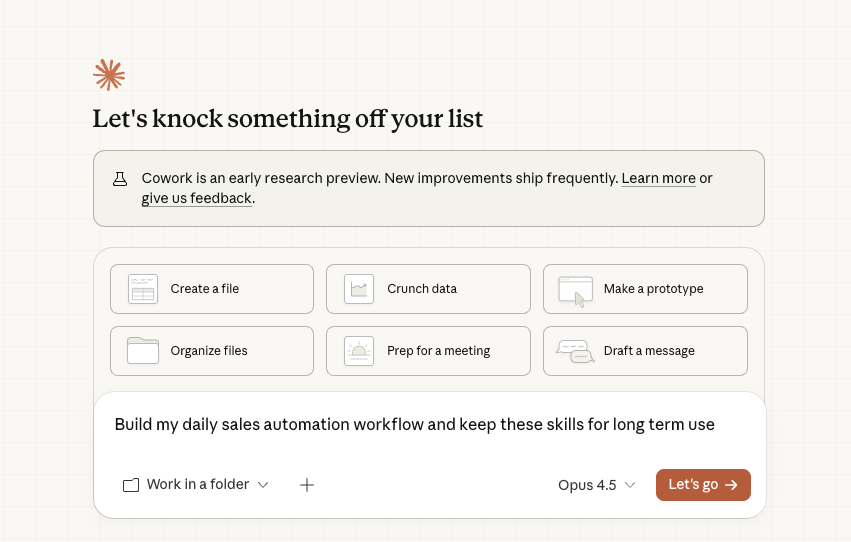
Everything starts with chatting to Claude
Once your apps are connected, just tell Claude what you need. It will guide you step-by-step and use your tools automatically.
Where You Connect Apps: Settings > Connectors
This is what you will see in Claude Desktop. Native apps connect with one click, custom apps need a URL.
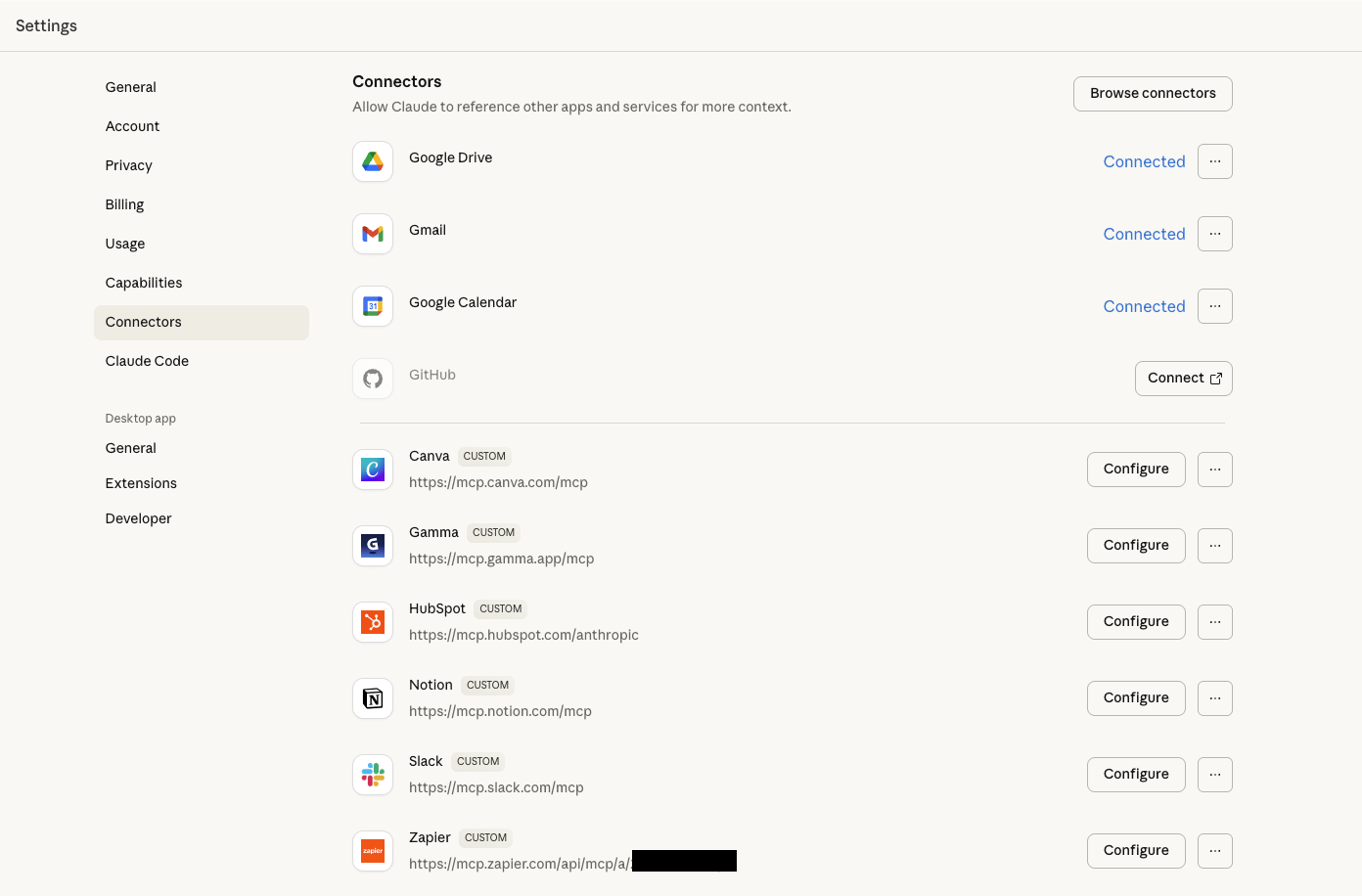
Two Types of Connections
Native Connectors
One-click connection. Just click Connect and authorize.
Custom Connectors
Paste a URL, then authorize. Takes 30 extra seconds.
Step-by-Step Setup
That's it! You're connected.